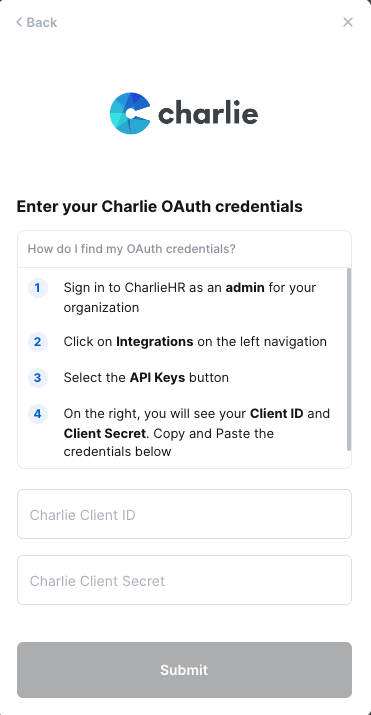
Overview
This guide will walk you through retrieving your Client ID and Secret in Charlie to complete your linking flow
Prerequisites
Please ensure you fulfill all the requirements to set up the integration:
You are an Administrator in your company's Charlie instance, or someone has shared their access with you.
Video Demo
Instructions
Step 1: Accessing your Client ID and Secret
Click on Integrations on the left hand corner
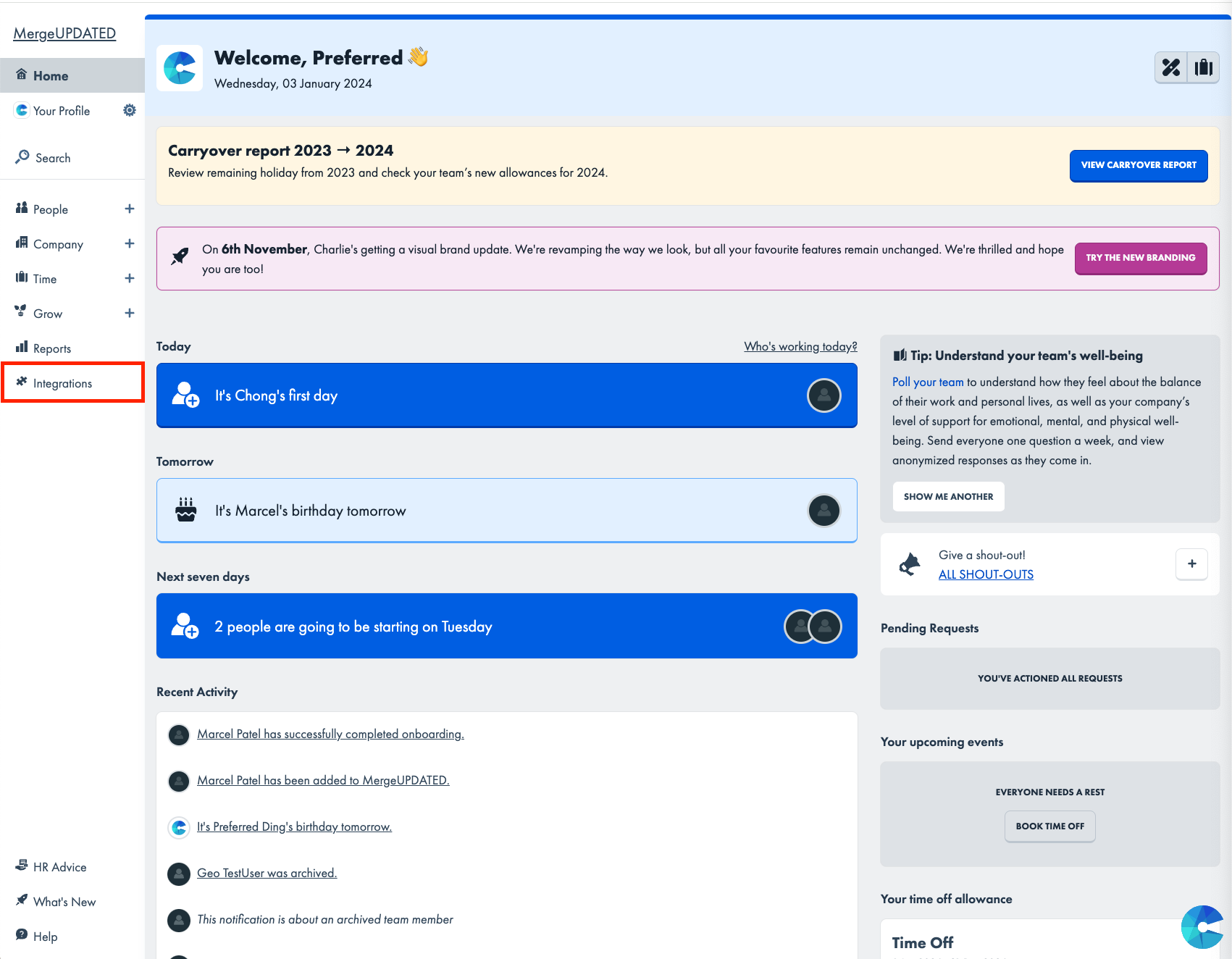
Click on API Keys to navigate to the Client ID and Secret that you'll need to populate within the linking flow

Generate the Client ID and Client Secret for your CharlieHR account
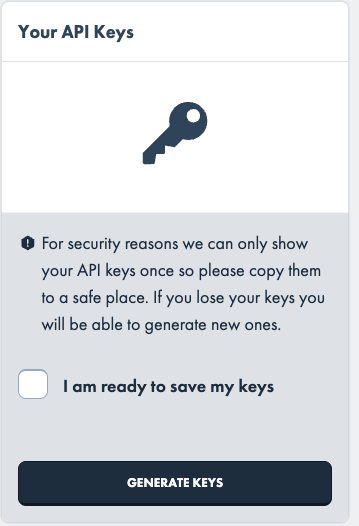
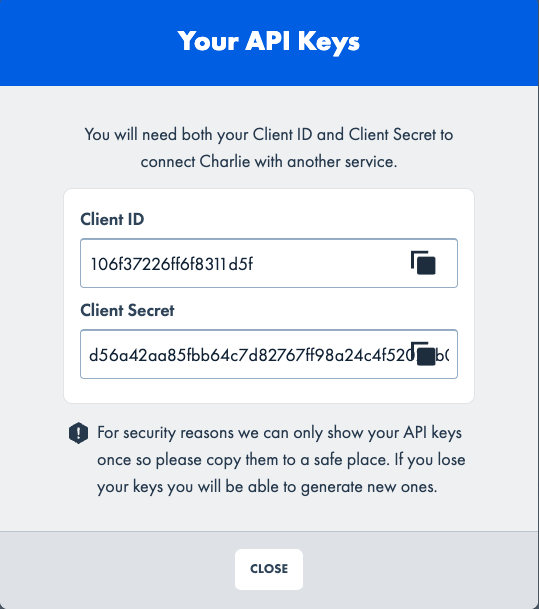
IMPORTANT: Please copy and safely store both the Client ID and Client Secret from the above page
If you've already generated a Client ID and Secret in the past, you will need to retrieve your Client Secret from your HR or IT Team, who have saved it previously
Step 2: Copy and paste the Client ID and Secret into the linking flow